The Top 5 of anything

Good research. Real opinions.

Browse buying guides Tech & EntertainmentAll buying guides & advice

27-inch 4K monitors.

Five flat 27-inch 4K desktop monitors for everyday work and creative tasks. Compare laptop charging, connections, stand adjustment and refresh rate before buying.

When you buy through links on this page, we may earn a commission.

Compare the five picks

Research shortlist: AI-assisted research. We haven’t personally tested these products.

Swipe to see the full comparison →

27-inch 4K monitors: five research recommendations
RecommendationConsider forKey detailObserved cost · USD
01DELL27 Plus S2725QCSmooth scrolling without a full docking hub27-inch 4K IPS, up to 120 Hz
Check current priceCheck Amazon price ↗
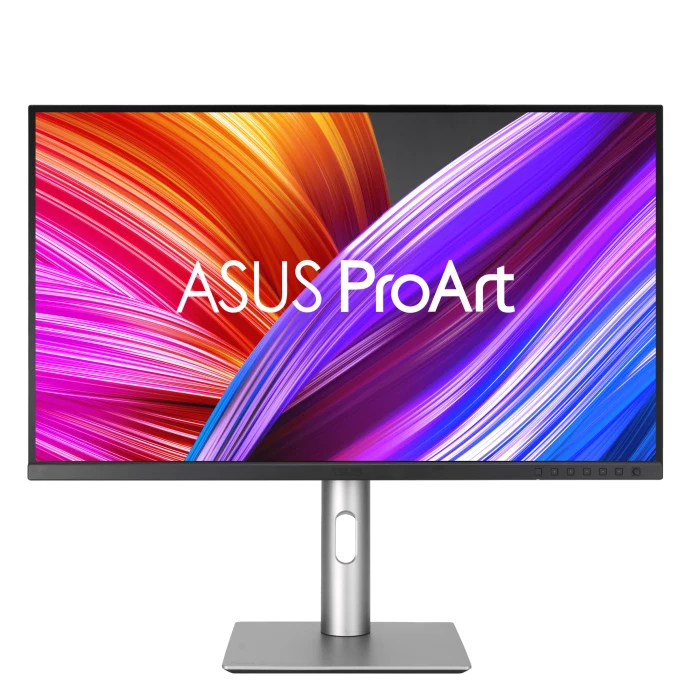
02ASUSProArt PA279CRVA wide-gamut option for creative workflows27-inch 4K IPS, 60 Hz
Check current priceCheck Amazon price ↗
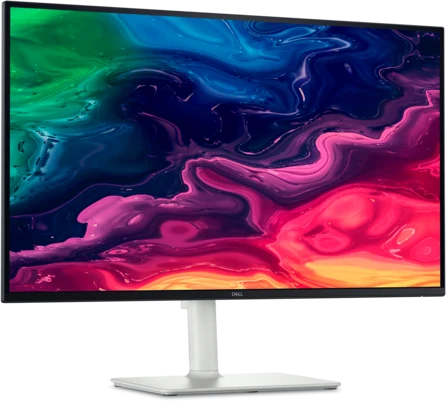
03DELLUltraSharp U2725QEA connected desk with demanding laptop power needs27-inch 4K IPS Black, up to 120 Hz
Check current priceCheck Amazon price ↗
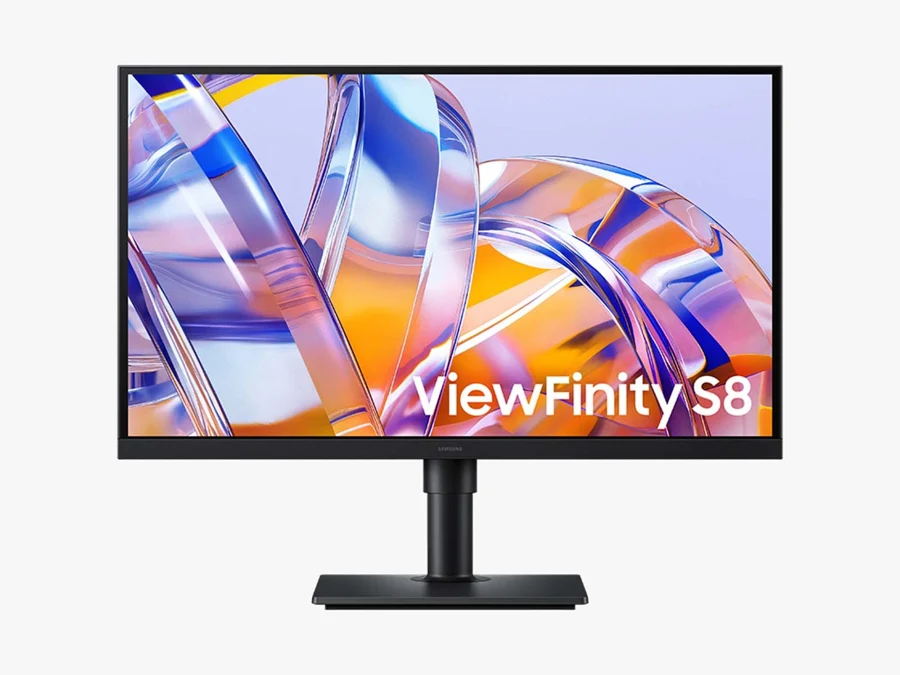
04SAMSUNGViewFinity S8 S80UH · 27-inch (2026)Switching work computers with wired networking27-inch 4K IPS, 60 Hz
Check current priceView source ↗
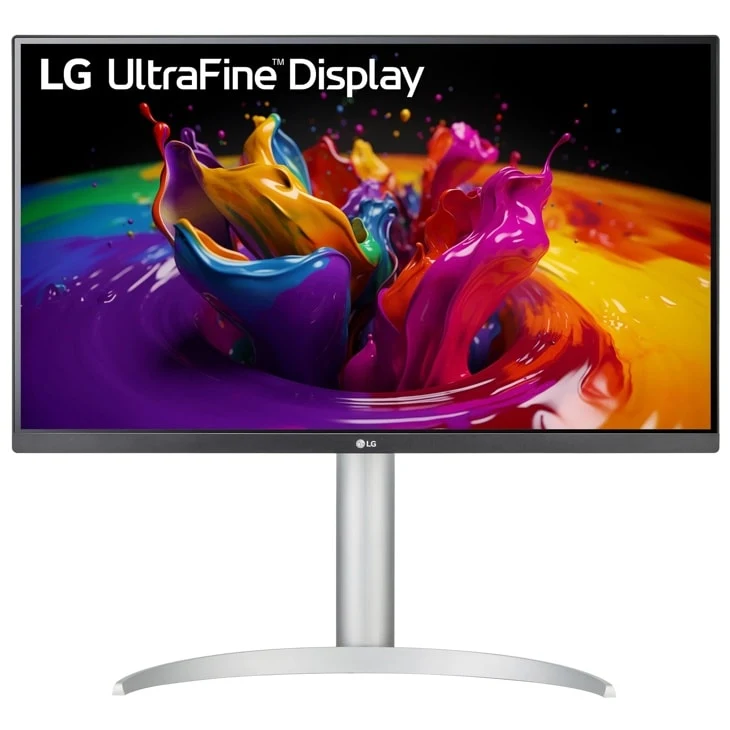
05LGUltraFine 27UP850K-WA 90 W laptop connection with built-in sound27-inch 4K IPS, 60 Hz
Check current priceCheck Amazon price ↗

Dated seller observations, not live quotes. Prices can change; tax and delivery are extra. Match the exact package shown below.

Match the computer, cable and monitor

A USB-C socket alone does not guarantee video support. Check DisplayPort Alt Mode or Thunderbolt compatibility, the supported 4K refresh rate and the laptop’s charging requirement. Listed power delivery is a maximum, not a promise that every laptop will charge at that rate. Scaling may make text more comfortable at 27 inches. Keep a working display if these features do not solve a real problem for you.

Dell S2725QC ports and specifications ASUS PA279CRV supported connections Dell U2725QE hub and sleep/wake support notice

When you buy through links on this page, we may earn a commission.

01

DELL

27 Plus S2725QC

Smooth scrolling without a full docking hub
Research pick
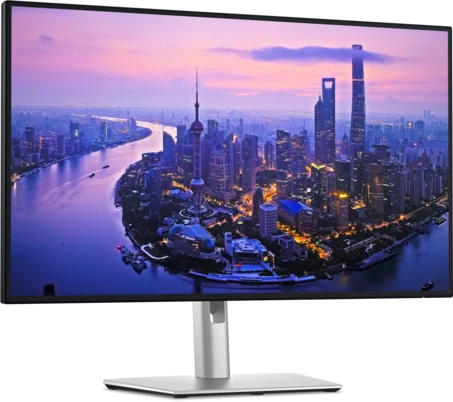
DELL 27 Plus S2725QCPhoto: DELL
Cost to compareCheck current price

Check Amazon for the current price of the S2725QC · 27-inch 4K 120 Hz USB-C 65 W monitor.

Check Amazon price ↗

A useful starting point for everyday desk work if your computer can drive 4K at 120 Hz. USB-C carries video and up to 65 W of charging, while the adjustable stand and built-in speakers cover ordinary desktop needs.

  • 27-inch 4K IPS, up to 120 Hz
  • USB-C power delivery up to 65 W
  • Height, pivot, swivel and tilt
The tradeoff

65 W may not cover a powerful laptop under load. There is no full-size DisplayPort input, Ethernet or Thunderbolt hub; check the exact QC model rather than S2725QS.
View on Amazon

Manufacturer specifications ↗

02

ASUS

ProArt PA279CRV

A wide-gamut option for creative workflows

Research pick
ASUS ProArt PA279CRVPhoto: ASUS
Cost to compareCheck current price

Check Amazon for the current price of the ProArt PA279CRV · 27-inch 4K USB-C monitor with adjustable stand.

Check Amazon price ↗

PA279CRV puts configurable color modes and USB-C connectivity in a conventional desk monitor. ASUS lists 99% Adobe RGB and DCI-P3 coverage; those specifications make it worth comparing for color-managed work, rather than assuming vivid colors alone establish accuracy.

  • 27-inch 4K IPS, 60 Hz
  • USB-C power delivery up to 96 W
  • Height, pivot, swivel and tilt
The tradeoff

Factory calibration and gamut figures are manufacturer claims, not our measurements. At 60 Hz it prioritizes a different workflow from the 120 Hz choices here.

View on Amazon

Manufacturer specifications ↗

03

DELL

UltraSharp U2725QE

A connected desk with demanding laptop power needs

Research pick
DELL UltraSharp U2725QEPhoto: DELL
Cost to compareCheck current price

Check Amazon for the current price of the UltraSharp U2725QE · 27-inch 4K 120 Hz Thunderbolt hub monitor.

Check Amazon price ↗

The UltraSharp combines 4K at 120 Hz with a Thunderbolt 4 hub, KVM and 2.5 Gb Ethernet. It is the more elaborate desk hub to consider when charging, wired networking and several peripherals matter alongside the screen.

  • 27-inch 4K IPS Black, up to 120 Hz
  • Thunderbolt power delivery up to 140 W EPR
  • KVM and 2.5 Gb Ethernet
The tradeoff

There are no built-in speakers. Dell documents USB-hub, sleep/wake and daisy-chain issues for this model; review its support notice and current firmware before relying on the hub. The laptop and cable also determine charging and refresh-rate support.

View on Amazon

Manufacturer specifications ↗

04

SAMSUNG

ViewFinity S8 S80UH · 27-inch (2026)

Switching work computers with wired networking

Research pick
SAMSUNG ViewFinity S8 S80UH · 27-inch (2026)Photo: SAMSUNG
Cost to compareCheck current price

An exact-package price has not been verified yet. Check what is included before comparing.

View source ↗

Samsung pairs USB-C charging with a built-in KVM switch and Ethernet. Compare it when you want to share a keyboard and mouse between computers and do not need the UltraSharp’s Thunderbolt and higher-refresh feature set.

  • 27-inch 4K IPS, 60 Hz
  • USB-C power delivery up to 90 W
  • KVM, Ethernet and adjustable stand
The tradeoff

Confirm LS27H802UANXZA: older S80UD and non-USB-C S80D listings are distinct. Its 60 Hz limit is a tradeoff against the two Dell models; connect the required upstream cables for switching.

View product
05

LG

UltraFine 27UP850K-W

A 90 W laptop connection with built-in sound

Research pick
LG UltraFine 27UP850K-WPhoto: LG
Cost to compareCheck current price

Check Amazon for the current price of the 27UP850K-W · 27-inch 4K USB-C 90 W monitor, White.

Check Amazon price ↗

LG combines a 4K IPS panel, USB-C charging and stereo speakers in a height-adjustable display. It is another straightforward desk option when you want more charging headroom than the S2725QC and do not need an Ethernet or Thunderbolt hub.

  • 27-inch 4K IPS, 60 Hz
  • USB-C power delivery up to 90 W
  • Height, tilt and pivot adjustment
The tradeoff

The stand does not offer the swivel adjustment of the other freestanding choices. DisplayHDR 400 is a listed certification, not a claim that we tested HDR quality; confirm the exact K-W model.

View on Amazon

Manufacturer specifications ↗

Owner opinions

Loading owner opinions…

Know what’s behind a pick.

Linked product sources, clear tradeoffs and no paid placements. No fabricated votes.

Last researched: October 26, 2026

A SHORTER LIST. A BIGGER CONVERSATION.

What deserves a spot?